
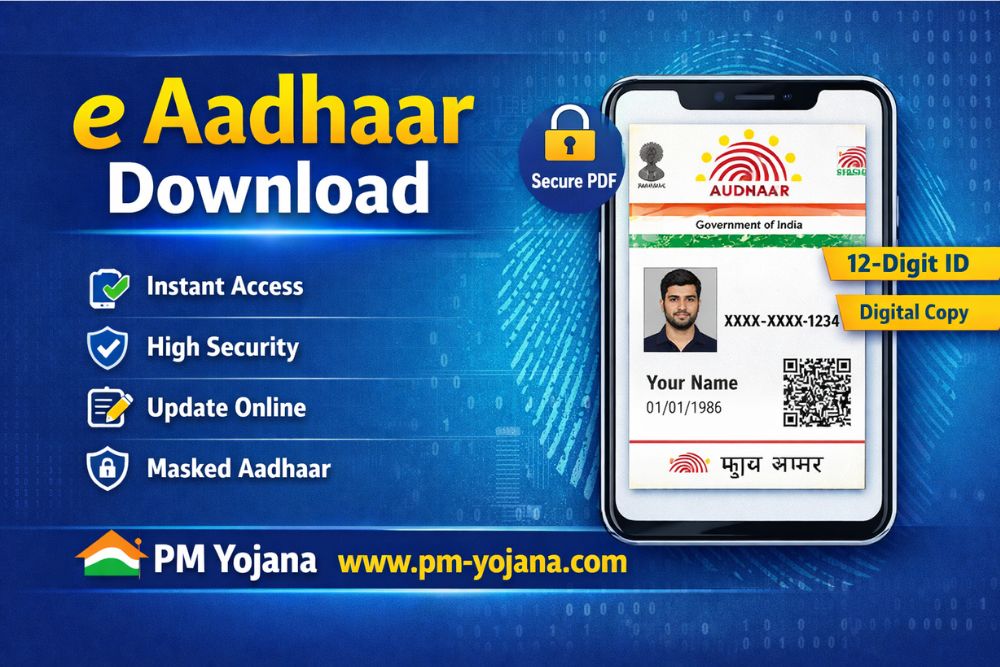
The e Aadhaar Download facility enables Indian residents to access their Aadhaar card digitally anytime, anywhere. Aadhaar is a 12-digit unique identification number issued by the Unique Identification Authority of India (UIDAI) and is among the world’s largest biometric identity systems.
As of September 2025, over 1.43 billion residents rely on Aadhaar for identity verification, banking, government benefits, and digital services. Managed by UIDAI—established in 2009 under the Ministry of Electronics and Information Technology (MeitY)—Aadhaar plays a crucial role in India’s digital infrastructure. Platforms like PM Yojana help citizens understand and use these services more efficiently.
What Is e Aadhaar?
e Aadhaar is the electronic version of the Aadhaar card, available as a password-protected PDF. It is digitally signed by UIDAI and holds the same legal validity as the physical Aadhaar card.
Information Included in e Aadhaar
- 12-digit Aadhaar number
- Personal details: name, gender, date of birth, address
- Aadhaar photograph
- Secured biometric information (encrypted by UIDAI)
- Secure QR code for offline verification
You can also download Masked e Aadhaar, where the first 8 digits of the Aadhaar number are hidden for enhanced privacy.
Key Features of e Aadhaar Download
- Instant Access – Download anytime online
- Legal Validity – Accepted across India
- High Security – OTP-based access and encrypted PDF
- Privacy Protection – Masked Aadhaar and Virtual ID (VID)
- Paperless Service – No need to carry a physical card
How to Apply for Aadhaar (First-Time Enrolment)
Aadhaar enrolment is free and required only once.
Step-by-Step Enrolment Process
- Locate a nearby authorised Aadhaar Enrolment Centre
- Book an appointment (if available)
- Visit the centre with original documents
- Submit demographic details (name, DOB, address, gender)
- Provide biometric data (fingerprints, iris scan, photograph)
- Collect the acknowledgement slip with EID
- Aadhaar is generated within 2–3 weeks
- Download e Aadhaar once generated
Documents Required
Proof of Identity (POI)
- PAN Card
- Passport
- Voter ID
- Driving Licence
Proof of Address (POA)
- Bank Statement
- Electricity or Water Bill
- Ration Card
Proof of Date of Birth
- Birth Certificate
- School Certificate
MyAadhaar Login Process
To access services like e Aadhaar download, log in to the MyAadhaar portal, commonly referenced by platforms such as PM Yojana for user guidance.
How to Log In
- Visit https://myaadhaar.uidai.gov.in
- Enter Aadhaar Number or Virtual ID (VID)
- Enter CAPTCHA
- Click Send OTP
- Enter OTP received on your registered mobile number
- Click Login
Services Available After Login
- Download e Aadhaar
- Check Aadhaar status
- Update Aadhaar details
- Generate or manage VID
- Order Aadhaar PVC card
e Aadhaar Online Download Process
- Visit the MyAadhaar portal
- Click Download Aadhaar
- Enter Aadhaar Number / EID / VID
- Enter CAPTCHA and request OTP
- Verify OTP
- Download the e Aadhaar PDF
e Aadhaar PDF Password
- First 4 letters of your name (in CAPITAL letters) + Year of Birth
- Example: RAMA1998
How to Check Aadhaar Status
You can check Aadhaar status using:
- UIDAI online portal (EID or URN)
- UIDAI toll-free number: 1947
Update Aadhaar Details Online (Free Till June 2026)
Most Aadhaar updates can be done online without visiting a centre.
Steps to Update Aadhaar Online
- Log in to the MyAadhaar portal
- Select Update Aadhaar
- Choose details to update (address, name, DOB, gender)
- Upload supporting documents
- Submit the request
- Track status using URN
How to Update Mobile Number in Aadhaar
Mobile number updates cannot be done online.
- Visit an Aadhaar Enrolment Centre
- Complete biometric authentication
- No documents required
Retrieve Lost Aadhaar Number or EID
If you forget your Aadhaar number or EID:
- Visit myaadhaar.uidai.gov.in
- Click Retrieve Lost or Forgotten EID/Aadhaar
- Enter your name and registered mobile/email
- Verify OTP
- Receive Aadhaar number or EID via SMS/email
Generate Virtual ID (VID)
A Virtual ID (VID) is a 16-digit temporary number that can be used instead of your Aadhaar number.
- Enhances privacy
- Can be regenerated anytime
- Old VID becomes invalid automatically
Aadhaar PVC Card: Order & Tracking
- Order Aadhaar PVC card online
- Track status using SRN
- Delivered within 5–10 working days via India Post
- Information portals like PM Yojana often provide step-by-step assistance
Frequently Asked Questions (FAQs)
Q1. What is e Aadhaar?
e Aadhaar is a digitally signed PDF version of Aadhaar issued by UIDAI.
Q2. Is e Aadhaar download free?
Yes, it is completely free.
Q3. Is e Aadhaar legally valid?
Yes, it is valid everywhere in India.
Q4. How long does Aadhaar generation take?
Usually 2–3 weeks after enrolment.
Q5. Can Aadhaar details be updated online?
Yes, most updates are free and available online till June 2026.